When people search for GLC-TE, they’re usually trying to solve a very practical networking problem: How do I add reliable Gigabit Ethernet over copper (RJ45) to a switch or router that primarily uses SFP ports — without running into compatibility errors or unstable links? The Cisco GLC-TE SFP is a widely used 1000BASE-T copper transceiver, but real-world deployments often raise questions about pricing, interoperability, coding, and whether third-party compatible alternatives can deliver the same uptime and performance.
In this article, you’ll learn what the GLC-TE module is, how to interpret Cisco compatibility requirements, and why “GLC-TE compatible SFP” doesn’t always mean “plug-and-play.” We’ll also cover common pitfalls (like unsupported transceiver messages), where to buy reliable compatible alternatives, how to install and verify operation correctly, and how to troubleshoot typical issues — so you can choose the right GLC-TE module with confidence and keep your network stable long term.
❇️ What Is GLC-TE SFP Module
GLC-TE is a Gigabit SFP transceiver designed to provide 1000BASE-T connectivity through an RJ45 interface while fitting into a standard SFP port on network equipment. It’s commonly used to extend copper connectivity on switches/routers where most uplinks or ports are SFP-based.
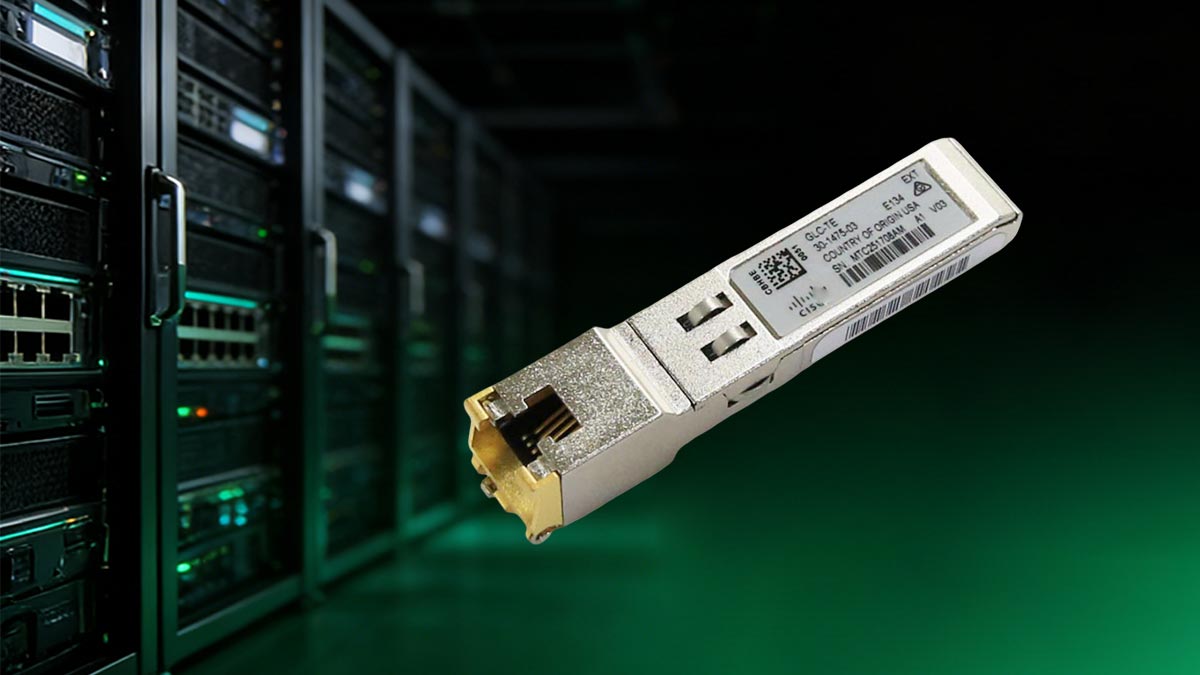
Defining the GLC-TE: 1000BASE-T Copper Transceiver
The GLC-TE is a Cisco 1000BASE-T copper SFP module that converts an SFP slot into a standard RJ45 Ethernet port, allowing Gigabit Ethernet connections over twisted-pair copper cabling. In practical terms, it’s an “SFP to RJ45” module designed for environments where you need the flexibility of SFP hardware but still rely on widespread RJ45 infrastructure.
It’s commonly deployed to add copper connectivity to SFP-based switches/routers, connect to existing access-layer copper runs, or support short-range links to servers, patch panels, or legacy network segments. Because copper SFP modules can be more sensitive to platform limitations (like power/heat budgets and firmware support), choosing a properly coded, well-tested GLC-TE compatible module is essential for stable, error-free operation.
Key Technical Specifications of GLC-TE
The GLC-TE is built for Gigabit Ethernet over copper, operating on the 1000BASE-T (IEEE 802.3ab) standard and delivering a 1Gbps link through an RJ-45 interface while plugging into a standard SFP slot. In real deployments, its biggest advantage is convenience: it enables you to extend or reuse existing copper infrastructure without the immediate need to upgrade to fiber, making it ideal for access-layer uplinks, server connections, or mixed-media environments where RJ-45 remains the standard. It operates within a temperature range of -40°C to 85°C, ensuring reliable performance in diverse environmental conditions suitable for a wide range of deployment scenarios.
From a practical standpoint, the module delivers stable Gigabit Ethernet connectivity with auto-negotiation and auto MDI/MDIX support. It performs optimally with Category 5e or better twisted-pair cabling and supports transmission distances up to 100m, aligning with typical structured cabling runs found in offices and data centers. This balance of flexibility, cost-efficiency, and copper compatibility makes the GLC-TE an ideal choice for networks requiring today’s copper links while planning for a future fiber upgrade.
❇️ Why Choosing a GLC-TE Compatible SFP for Your Network
Selecting the right GLC-TE compatible SFP is not just about meeting technical specifications — it directly impacts your network’s cost efficiency, stability, and long-term scalability. Understanding the trade-offs between Cisco original modules and trusted third-party compatible alternatives like LINK-PP GLC-TE compatible SFP helps network professionals make informed, budget-efficient decisions.
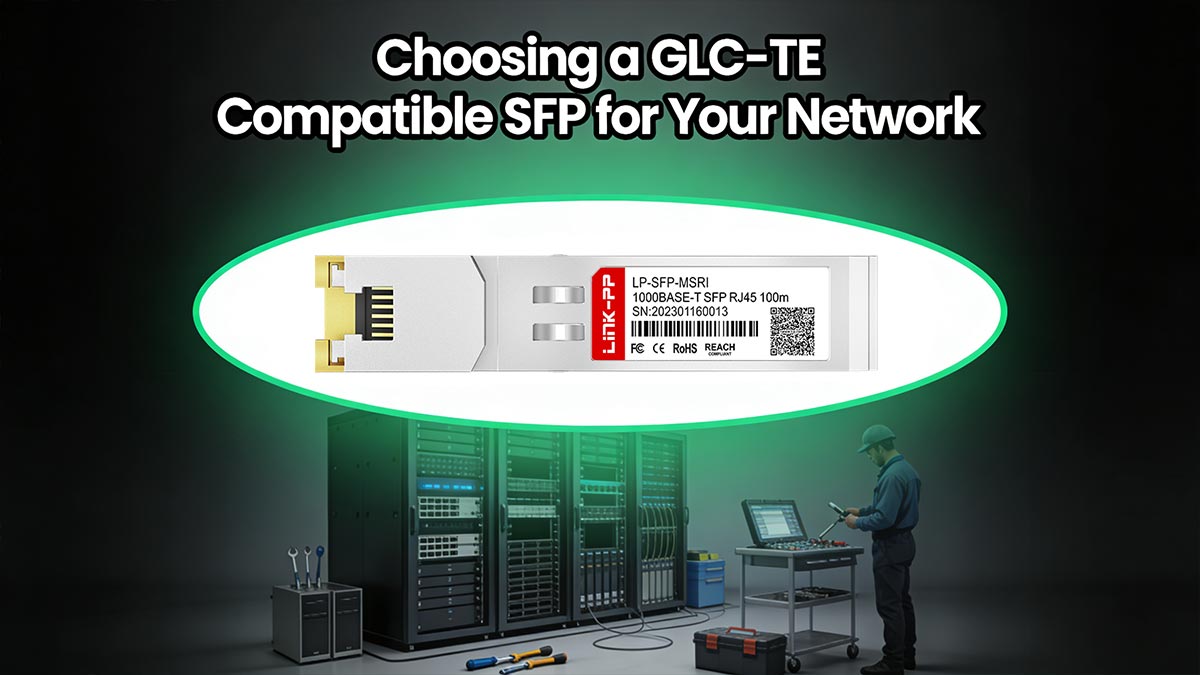
Cost-Benefit Analysis: Cisco vs. Third-Party GLC-TE
When deploying 1000BASE-T copper transceivers, many network administrators face a common question: should they choose original Cisco GLC-TE modules or third-party compatible alternatives? The answer often depends on budget, deployment scale, and compliance requirements.
Original Cisco modules offer guaranteed brand assurance and official support. However, third-party GLC-TE compatible SFP modules — such as the LINK-PP GLC-TE compatible SFP — are manufactured to meet the same IEEE 802.3 standards and are often pre-coded for seamless Cisco compatibility at a much lower cost.
The table below provides a comparative analysis between original Cisco GLC-TE modules and high-quality third-party alternatives, using LINK-PP as a prime example of the latter.
| Feature |
Cisco GLC-TE |
LINK-PP GLC-TE Compatible SFP |
| Data Rate |
1Gbps |
1Gbps |
| Transmission Standard |
1000BASE-T |
1000BASE-T |
| Maximum Distance |
Up to 100m (Cat 5e cable) |
Up to 100m (Cat 6/Cat 6a cable) |
| DOM |
Not supported |
Not supported |
| Compatibility Coding |
Cisco native coded |
Cisco-compatible coded |
| Compliance |
IEEE 802.3ab |
IEEE 802.3ab |
| Warranty |
5 years |
5 years |
| Cost |
High, especially for large-scale deployments |
Low, enabling broader deployment or budget reallocation |
Performance Reliability and Long-Term Network Efficiency
While cost is a significant factor, it is meaningless without reliable performance. High-quality compatible GLC-TE transceivers are built to deliver the same robust performance as their Cisco counterparts, ensuring long-term network efficiency.
Robust Construction and Testing: Reputable third-party manufacturers, such as LINK-PP, do not cut corners on quality. They manufacture their GLC-TE compatible modules using high-grade components and subject them to extensive testing. This includes rigorous checks for signal integrity, EMI resistance, and thermal stability to ensure they operate flawlessly in various network environments.
Seamless Integration for Stability: A well-manufactured GLC-TE compatible SFP (like LINK-PP GLC-TE) is designed to function identically to the original. It negotiates link speeds correctly, maintains a stable connection under load, and accurately reports link status to the network switch. This stability is crucial for maintaining long-term network efficiency, preventing the packet loss or interface resets that can plague low-quality, untested transceivers.
❇️ Decoding the Cisco GLC-TE Compatibility Requirements
Ensuring compatibility is one of the most critical steps when selecting a Cisco GLC-TE compatible SFP module. Understanding how Cisco defines and enforces compatibility can help prevent network downtime, error messages, and unnecessary replacement costs.
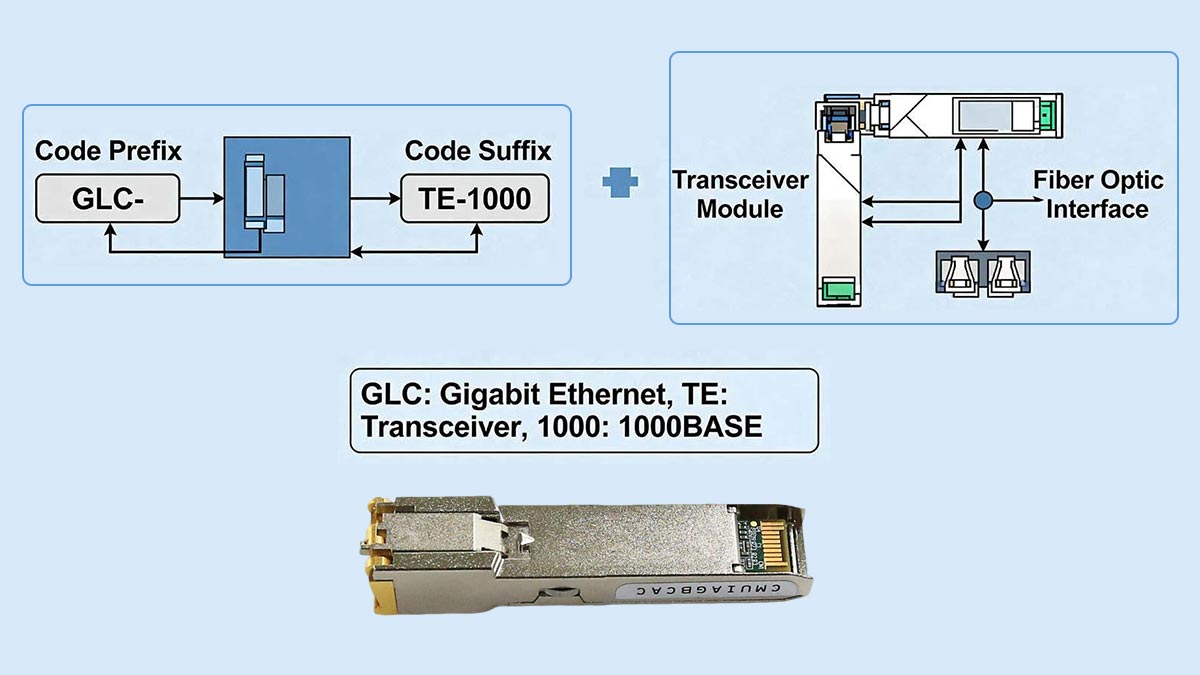
Understanding Cisco Switch and Router Compatibility Lists
Cisco provides official compatibility matrices that specify which SFP modules are supported by each switch and router model. These lists are typically available in product datasheets, hardware installation guides, or Cisco’s online compatibility tools. Before purchasing a GLC-TE compatible SFP, it is essential to verify that your specific Cisco device model supports 1000BASE-T copper SFP modules and that the firmware version installed on the device recognizes the module.
Compatibility is not only model-dependent but also software-dependent. Certain Cisco switches may require a minimum IOS or NX-OS version to properly identify and operate a GLC-TE module. Additionally, some compact or entry-level devices may have limitations on the number of copper SFPs supported simultaneously due to power or thermal constraints.
When reviewing compatibility documentation, be sure to check:
- Exact device model number (e.g., Catalyst 2960-X, 9300, etc.)
- Supported transceiver part numbers
- Minimum firmware requirements
- Port-specific restrictions
Why Coding and Protocols Matter for GLC-TE Compatible SFP
Coding plays a critical role in SFP compatibility. Cisco-branded and Cisco-compatible GLC-TE modules contain EEPROM programming that identifies the transceiver to the switch. When inserted, the switch reads this information to confirm whether the module is authorized and supported. If the coding does not match Cisco’s expected parameters, the device may generate an "unsupported transceiver" warning or even disable the port.
Beyond identification coding, protocol compliance is equally important. A GLC-TE module must fully support IEEE 802.3ab standards for 1000BASE-T operation. Proper auto-negotiation, link training, and power management protocols ensure stable Gigabit Ethernet connectivity over Cat5e or Cat6 copper cabling.
High-quality Cisco-compatible SFP modules are specifically coded to match Cisco equipment and are thoroughly tested for interoperability. Poorly coded or generic modules may appear functional at first but can cause intermittent link drops, reduced throughput, or compatibility issues after firmware upgrades. In short, selecting a properly coded and standards-compliant GLC-TE compatible SFP ensures seamless recognition, reliable performance, and long-term network stability.
❇️ Common Pitfalls When Using Non-Coded GLC-TE Compatible Modules
Non-coded (or incorrectly coded) GLC-TE compatible copper SFP modules can trigger functionality or stability issues. Knowing common pitfalls upfront helps you avoid unexpected downtime and failed links during deployment.
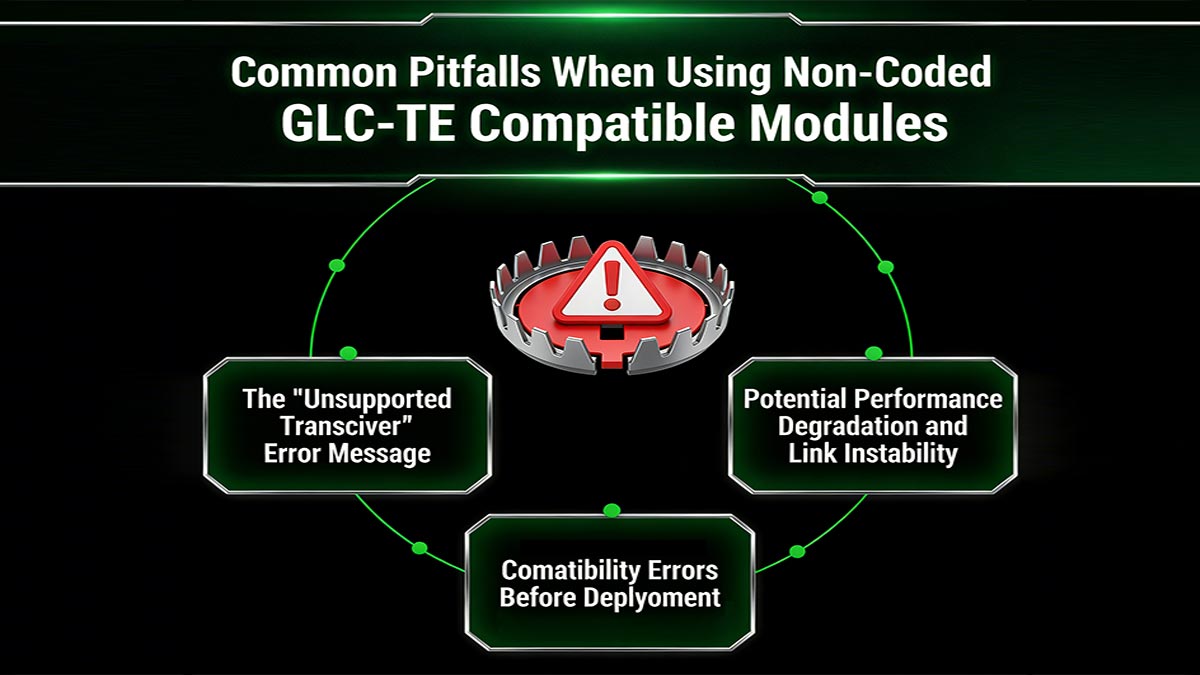
The "Unsupported Transceiver" Error Message
One of the most frequent issues of a non-coded module is an “Unsupported transceiver” (or similar) warning on Cisco switches/routers. This happens when the device reads the compatible SFP’s EEPROM/ID and doesn’t detect an approved vendor string or the expected coding profile, so it may log alarms, disable the port, or limit functionality depending on platform and configuration.
Even if the link comes up, the message is a red flag that you could face restrictions such as inconsistent negotiation behavior, or future issues after software upgrades. To minimize disruption, it’s best to verify vendor support for your specific Cisco model before installation.
Potential Performance Degradation and Link Instability
Non-coded modules can appear to work at first, but still cause intermittent flaps, packet loss, or auto-negotiation problems—especially in mixed environments or longer copper runs. Common failure modes include:
- Unstable 1G negotiation (dropping to 100M or repeatedly renegotiating).
- Higher error rates (CRC errors, FCS errors) that degrade throughput even when the link stays “up.”
- Temperature sensitivity where links fail under load or in warmer racks due to weaker component tolerances.
- Compatibility edge cases with certain Cisco ASICs/ports, where an unrecognized module behaves inconsistently after reboot or firmware updates.
How to Avoid Compatibility Errors Before Deployment
Instead of assuming any “GLC-TE compatible” label guarantees smooth operation, validate the module’s coding and behavior on your exact Cisco platform before deployment. You can prevent most issues with a quick pre-deployment checklist:
- Verify platform compatibility: Confirm the switch/router model and OS version support 1000BASE-T SFP modules and specifically the GLC-TE profile (some platforms have port or software constraints).
- Choose correctly coded modules: Buy from vendors that explicitly offer Cisco-coded GLC-TE compatible SFP transceivers and provide traceable part numbers, test reports, and warranty.
- Standardize and pilot test: Test modules in a small subset of your exact hardware (same model, same IOS/IOS-XE/NX-OS train), then roll out broadly only after stable results.
- Validate cabling and link settings: Use proper Cat5e/Cat6 cabling, avoid marginal patch panels, and ensure speed/duplex settings align with your environment (auto-negotiation is usually best for copper SFP modules).
❇️ Where to Buy Quality GLC-TE Compatible SFP Transceivers
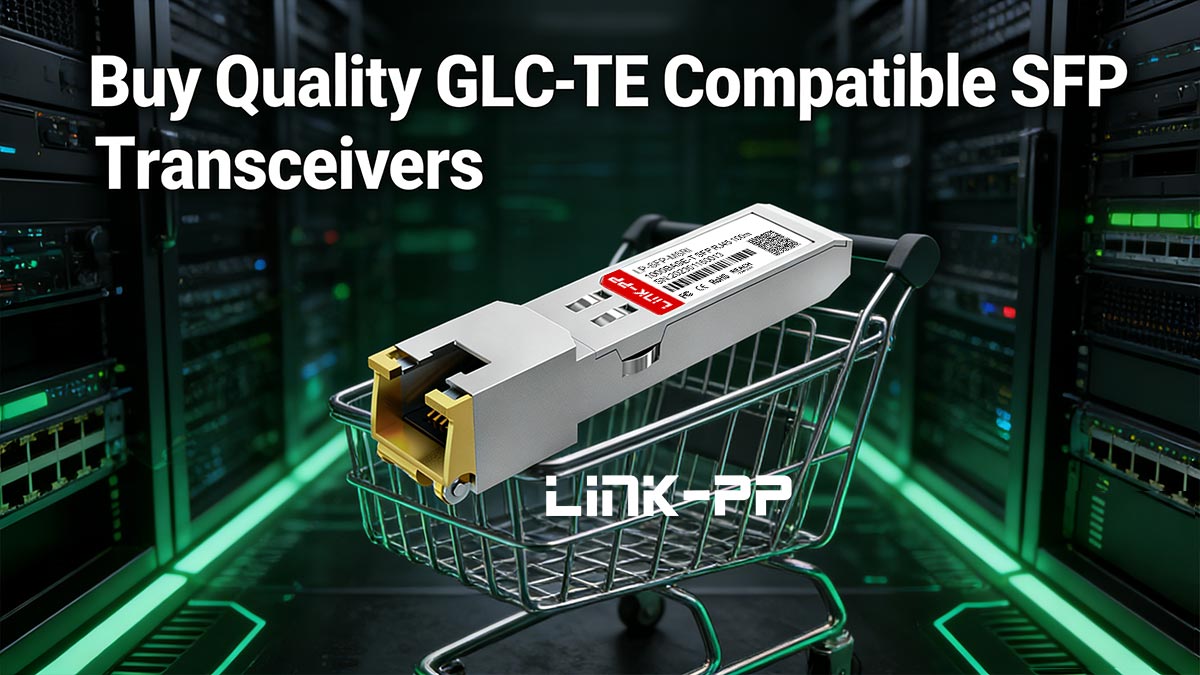
Buying a GLC-TE compatible SFP isn’t just about finding the lowest price—it’s about ensuring stable links, true Cisco compatibility, and consistent performance across your fleet. Below, we’ll cover why LINK-PP’s optical transceivers stand out and recommend a compatible alternative you can deploy with confidence.
Why Choose LINK-PP GLC-TE Compatible SFP
LINK-PP has built a solid reputation for manufacturing optical transceivers that combine high quality, broad compatibility, and competitive pricing. Here’s why many network engineers prefer LINK-PP GLC-TE compatible SFP:
- Cisco-coded compatibility options: Designed to match Cisco EEPROM identification expectations to reduce “unsupported transceiver” warnings and bring-up failures.
- Strict quality control: Each module is tested to ensure clean link negotiation and low error rates before shipping.
- Consistent performance at 1G over copper: Built for stable 1000BASE-T operation to minimize flapping, CRC errors, and intermittent drops.
- Traceability and support: Clear part numbering, documentation, and responsive technical assistance for deployment and troubleshooting.
- Warranty-backed reliability: Covered by standard after-sales policies to reduce procurement and operational risk.
Recommended GLC-TE Cisco Compatible SFP
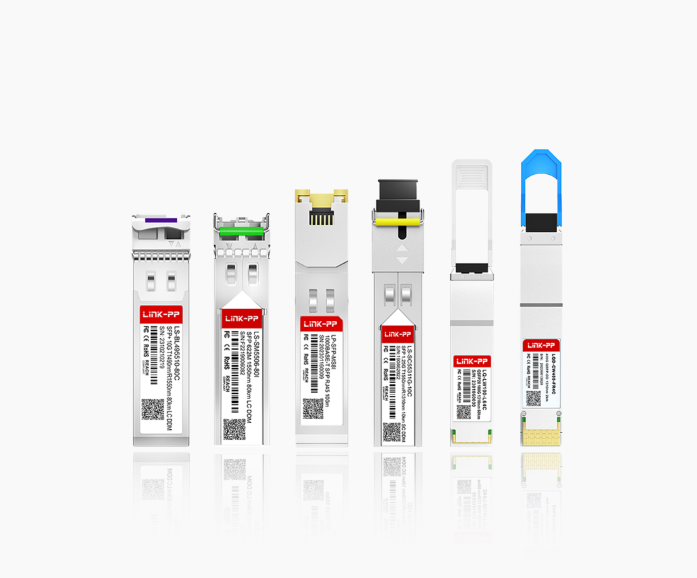
For a reliable and high-performance alternative to the Cisco GLC-TE, the LINK-PP LP-SFP-MSRI 1000BASE-T SFP is an excellent choice. This module is engineered to function as a seamless replacement, providing the same 1000BASE-T connectivity over standard copper cabling while maintaining strict adherence to Cisco coding standards. It is designed for hot-swappable installation and supports link distances of up to 100m, making it ideal for interconnecting switches, routers, and servers within a data center or enterprise wiring closet.
Below are the detailed technical specifications of the LP-SFP-MSRI 1000BASE-T SFP module to help you evaluate its suitability for your network environment.
| Technical Specifications |
LP-SFP-MSRI 1000BASE-T SFP |
| Form Factor |
SFP SGMII |
| Data Rate |
1000Mbps |
| Transmission Distance |
100m |
| Cabling |
Cat 6/Cat 6a |
| Connector |
RJ-45 |
| DOM |
Not Supported |
| EMC (Electromagnetic Compatibility) |
Supported |
| Protocols |
MSA Compliant, IEEE STD 802.3 and 802.3ab |
❇️ Step-by-Step Guide to Installing Your GLC-TE Compatible SFP
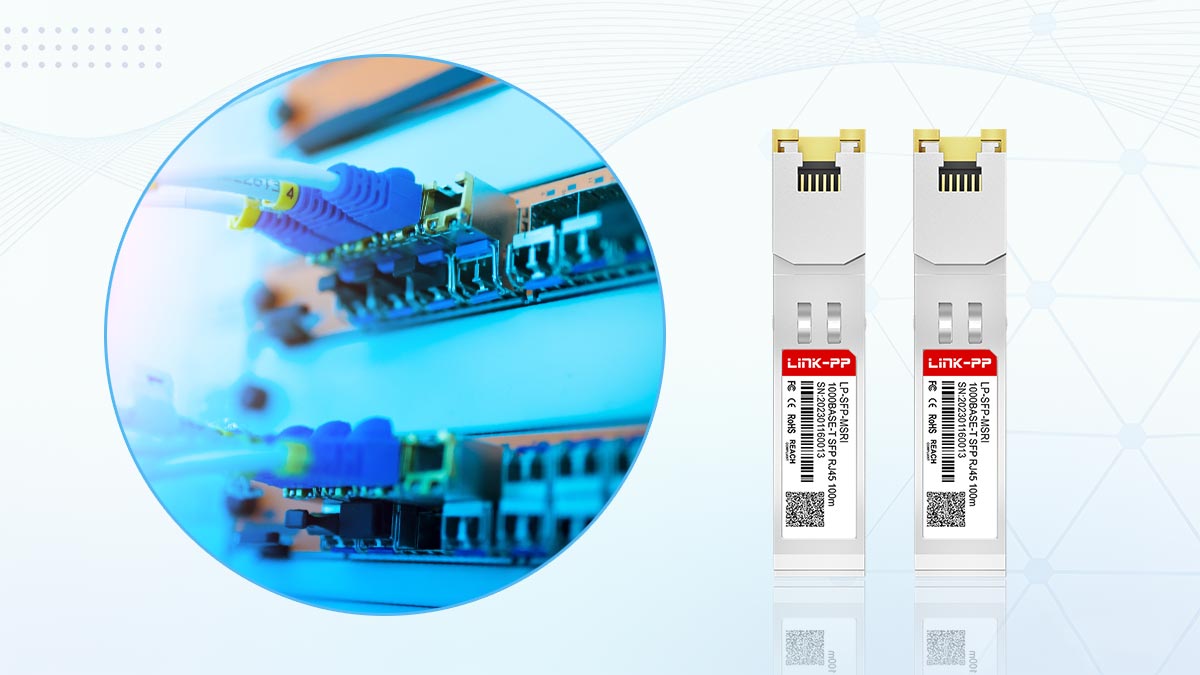
Installing a GLC-TE compatible copper SFP is usually straightforward, but a few checks before and after insertion can prevent “unsupported transceiver” warnings, link flaps, and negotiation issues. Follow the steps below to ensure a clean install and stable 1G copper connectivity from day one.
Pre-Installation Checks: Compatibility and Firmware Versions
Before you plug anything in, confirm the module and platform are a known-good match—most installation failures trace back to skipped compatibility checks.
- Confirm device support for 1000BASE-T SFP: Some switch/router families (or specific ports) may have limitations on copper SFP operation.
- Validate the coding profile: If you’re using a third-party module, ensure it’s Cisco-coded (GLC-TE compatible) to avoid port shutdowns or warning messages.
- Check software/firmware version: Review IOS/IOS-XE/NX-OS versions and release notes if available—transceiver validation behavior can change after upgrades.
- Inspect the SFP and port condition: Make sure the SFP cage is clean, the latch is intact, and the module label/part number matches your purchase order.
- Prepare correct cabling: Use Cat5e or better cabling for Gigabit copper links, and avoid questionable patch cords, worn keystones, or poorly terminated runs.
Best Practices for Installing GLC-TE Modules
A careful physical install reduces the risk of bent pins, loose seating, and intermittent contact that can mimic “compatibility” problems.
- Use ESD (Electrostatic Discharge) precautions: Ground yourself or use an ESD strap when handling optics/transceivers, especially in dry environments.
- Insert the module gently and fully: Align the SFP with the cage and slide it in until it seats firmly—don’t force it at an angle.
- Secure the latch/bale clasp: Make sure the latch is in the locked position so the module can’t wiggle loose over time.
- Connect the RJ45 cable after the SFP is seated: Plug the copper patch cord into the SFP’s RJ45 port until it clicks.
- Avoid tight bends and strain: Ensure the cable isn’t pulling the SFP downward; cable tension can cause micro-movements and link flaps.
- Keep airflow in mind: Copper SFP modules can run warmer than fiber; don’t block ventilation and avoid densely packing hot modules if the chassis is already thermally stressed.
Verifying Connectivity Post-Installation
Don’t stop at “link light is on” — verify negotiation, speed, and error counters to ensure the connection is truly stable.
- Check LEDs and port status: Confirm the port shows link up and is operating at the expected speed (1G).
- Look for transceiver warnings: If you see “unsupported transceiver” messages, treat it as a compatibility signal—even if the link works initially.
- Confirm negotiated speed/duplex: Ensure the link comes up at 1000Mbps / full duplex (or your intended configuration).
- Monitor error counters: Watch for CRC/FCS errors, input errors, or frequent interface resets—these often indicate cabling quality issues or unstable negotiation.
❇️ GLC-TE Compatible SFP Troubleshooting and Common Issues
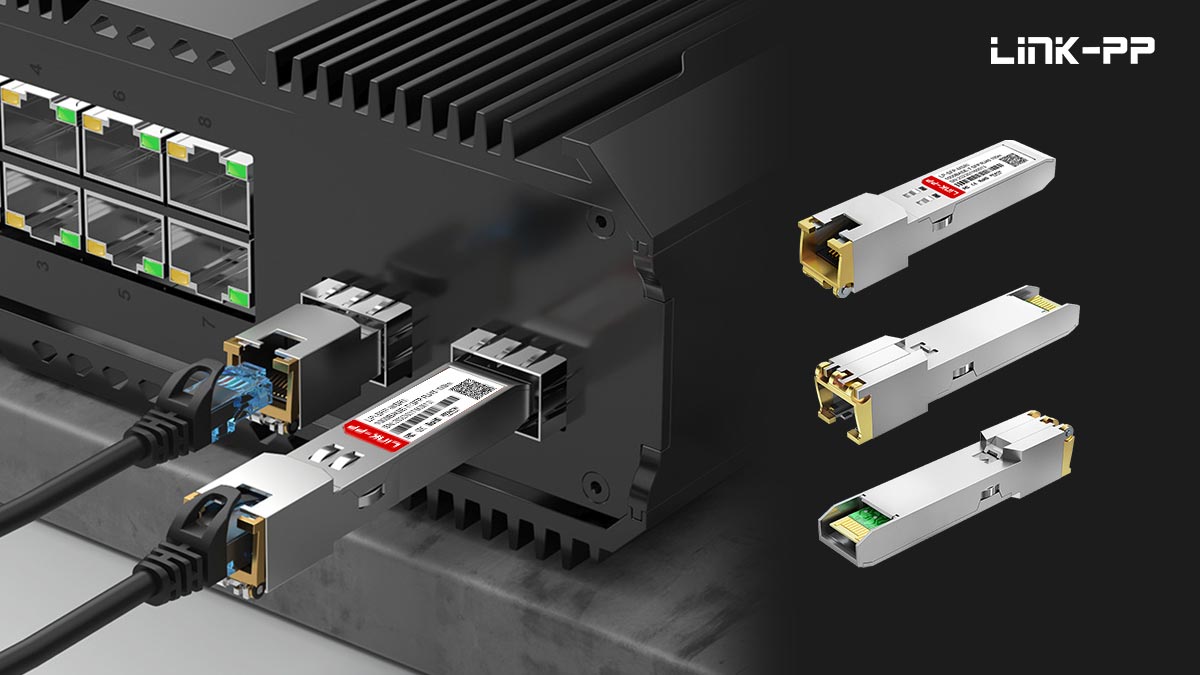
Even high-quality GLC-TE compatible SFP modules may occasionally encounter issues due to compatibility settings, cabling problems, or firmware mismatches. The following outlines common troubleshooting scenarios and provides practical solutions to ensure stable and reliable 1000BASE-T connectivity.
Link Failure and Compatibility Fixes
One of the most common issues is a link failure—either the port remains down or the connection drops intermittently. First, confirm that the Ethernet cable meets Category 5e or higher standards and is securely connected on both ends. Loose or degraded cables often cause negotiation failures between devices.
Next, inspect whether the switch recognizes the SFP correctly. On Cisco equipment, commands like show interface status or show inventory can help verify module detection. If the device reports “unsupported transceiver,” it may be due to vendor-specific coding. Replacing the module with a firmware-coded version or enabling the service unsupported-transceiver command (where applicable) can resolve this.
It is also important to remember that 1000BASE-T requires auto-negotiation by design. Manually forcing speed and duplex settings can sometimes cause negotiation inconsistencies unless both ends are configured identically. Ensuring that both interfaces are set to auto-negotiation is generally the most reliable approach for stable Gigabit connectivity.
How to Test Third-Party GLC-TE Compatible SFP Safely
Testing third-party SFP modules should be done methodically to prevent network disruption. Begin by installing the module on a test port or non-critical switch rather than in operational equipment. Check that the switch port LEDs light up correctly and that system logs do not report temperature or voltage anomalies.
Next, run basic connectivity checks using commands such as ping, show interfaces, or simple throughput tests to confirm link integrity. For deeper validation, use a network analyzer to measure signal stability and packet error rates under sustained load.
If the transceiver passes all functional tests but still triggers alerts in operational environments, recheck the device’s firmware and transceiver compatibility list—some firmware builds have stricter coding validation. Keeping detailed test logs helps identify whether the issue originates from the SFP, the switch firmware, or the cabling setup.
❇️ FAQs about GLC-TE SFP Module
What cable type works with a GLC-TE SFP?
A GLC-TE SFP works with Category 5e or higher twisted-pair copper cabling. For optimal stability and reduced interference, Cat6 or Cat6a cables are commonly recommended, especially in structured enterprise environments.
What is the difference between Cisco GLC-T and GLC-TE?
Both are 1000BASE-T copper SFP modules supporting 1Gbps over RJ45, but GLC-TE is the newer replacement with an extended operating temperature range (typically -40°C to 85°C) compared with GLC-T’s standard commercial range.
Can I use a GLC-TE compatible SFP for Gigabit Ethernet?
Yes, a properly coded and standards-compliant GLC-TE compatible SFP fully supports Gigabit Ethernet (1000BASE-T). As long as it meets IEEE 802.3ab standards and is compatible with your switch firmware, it will provide stable 1Gbps connectivity.
What speed does the GLC-TE SFP support?
The GLC-TE SFP supports 1Gbps (1000Mbps) data transmission over copper Ethernet. It uses auto-negotiation to establish the correct link speed and duplex settings with the connected device.
Can I use a GLC-TE module to connect an SFP port to RJ45 Ethernet?
Yes. The GLC-TE module converts an SFP port into a standard RJ45 Ethernet interface, allowing you to connect copper-based Gigabit Ethernet devices directly to SFP slots on switches or routers.
❇️ Conclusion: Making the Right Choice with GLC-TE Compatible SFP
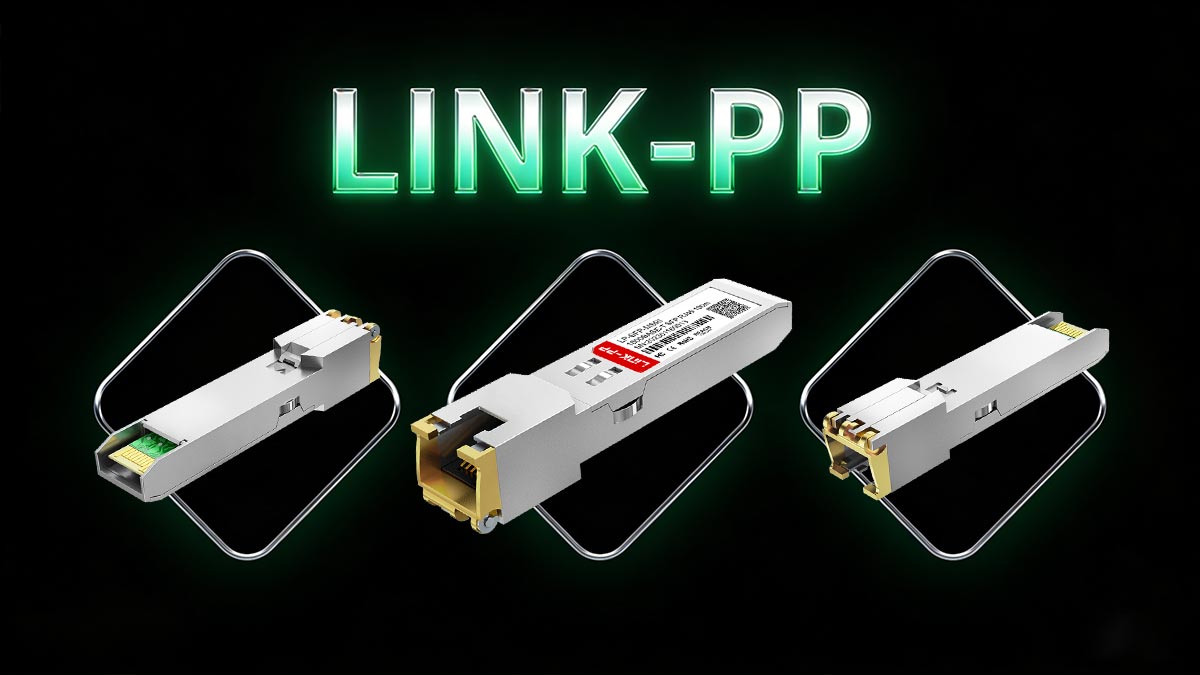
Choosing the right GLC-TE compatible SFP module is about more than simply matching specifications — it’s about ensuring long-term network stability, seamless Cisco compatibility, and cost-effective scalability. While original Cisco modules provide brand-backed assurance, high-quality third-party alternatives can deliver the same 1000BASE-T performance when they are properly coded, standards-compliant, and rigorously tested.
A reliable GLC-TE compatible SFP should offer stable auto-negotiation, clean signal integrity over Cat5e/Cat6 cabling, and consistent interoperability across firmware versions. By verifying device compatibility, selecting reputable vendors, and following best installation practices, you can avoid common pitfalls such as unsupported transceiver errors, link instability, and unexpected downtime.
For network professionals seeking dependable performance at a more competitive price point, the LINK-PP GLC-TE compatible SFP provides a proven alternative designed for seamless Cisco equipment integration and long-term reliability. To explore detailed specifications, compatibility options, and professional support, visit the LINK-PP Official Store and choose the right solution for your network.